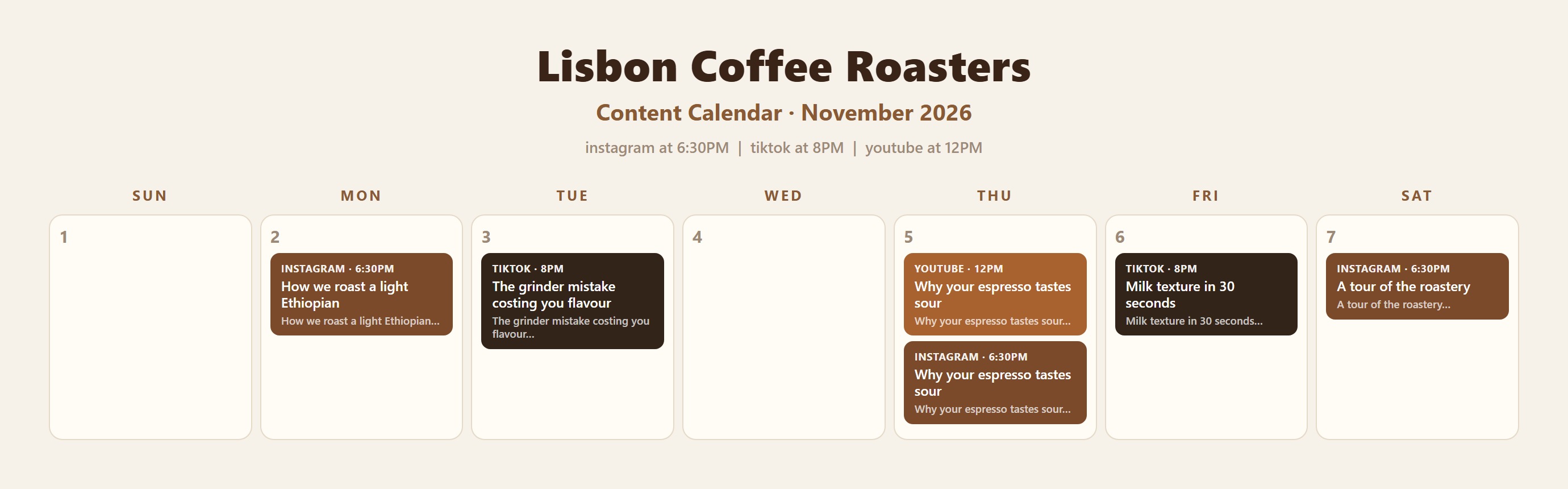
Every month, this is all you need to do
Drop your videos in the folder
Straight off your phone. No renaming, no exporting anything special.
Say: do this month
It asks what each video is. You give it one line each. That is the only writing you do.
Read the captions and say yes
It shows you everything before anything leaves your computer. Nothing gets posted until you say so.

There are no commands to learn
Hermes runs inside Claude Code on your own computer. You talk to it in plain words.
Posting for clients?
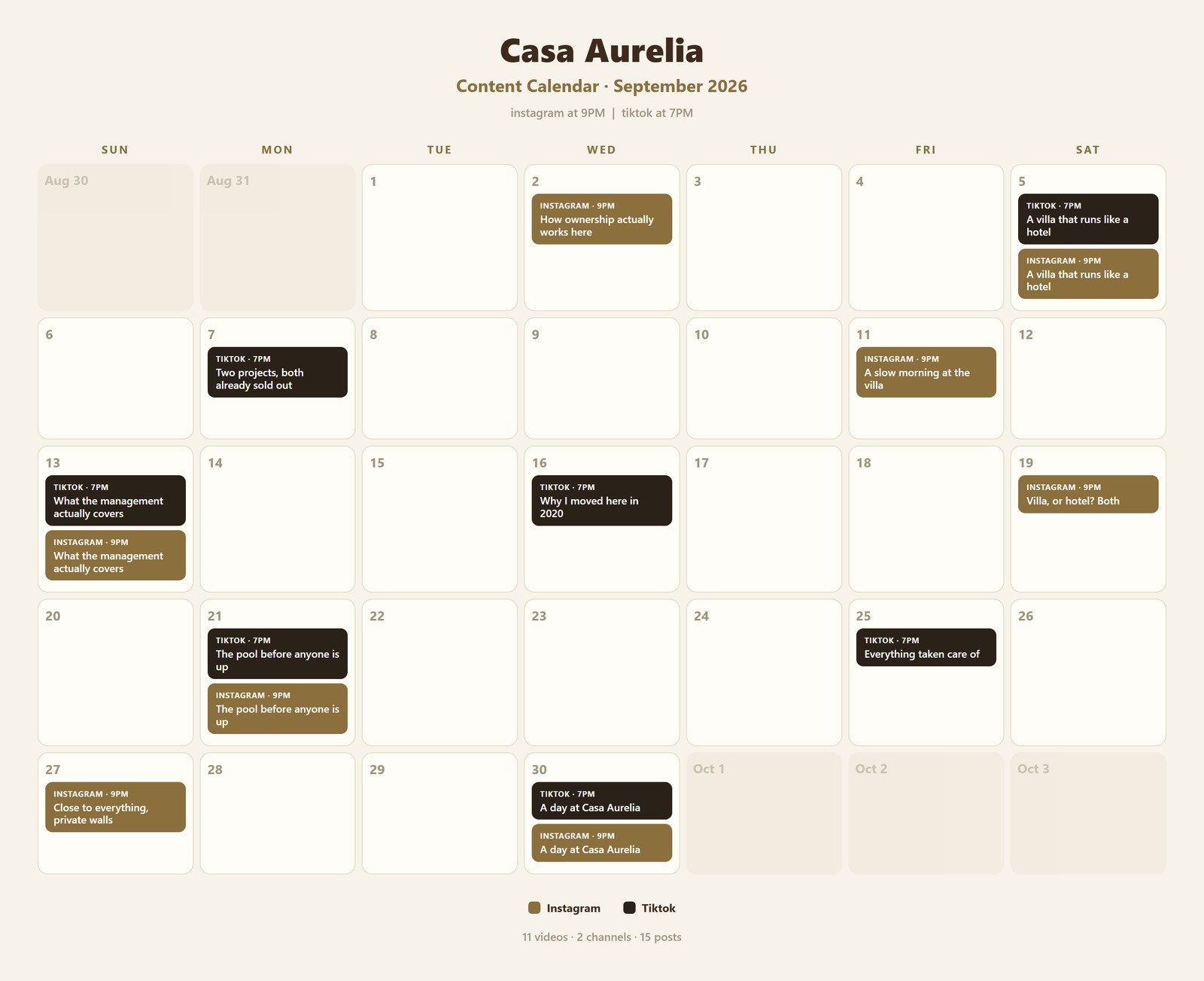
The same month, twice. Yours keeps the caption drafts so you can check them at a glance. The client copy strips them out, because they are approving a plan, not reading your drafts.
What it costs to run
Hermes is yours. The tools it drives are not free, and I would rather you knew that now than found out later.
Realistically $40 to $50 a month once you are running four channels. Buffer's free plan only holds 10 scheduled posts per channel, which is not a month, so you will want a paid plan there.
Setting it up
You do this once. Set aside about half an hour.
Open the folder in Claude Code
Unzip the file first. Then open that folder and type set me up.
Let it check your computer
It installs anything missing. You never open a settings file yourself.
Make your Buffer account
You connect your own channels. Hermes waits and tells you what to click.
Make a free Cloudinary account
This is where your videos sit. Neither account asks for a credit card.
Answer a few questions
It asks about your business, then writes all your settings for you.